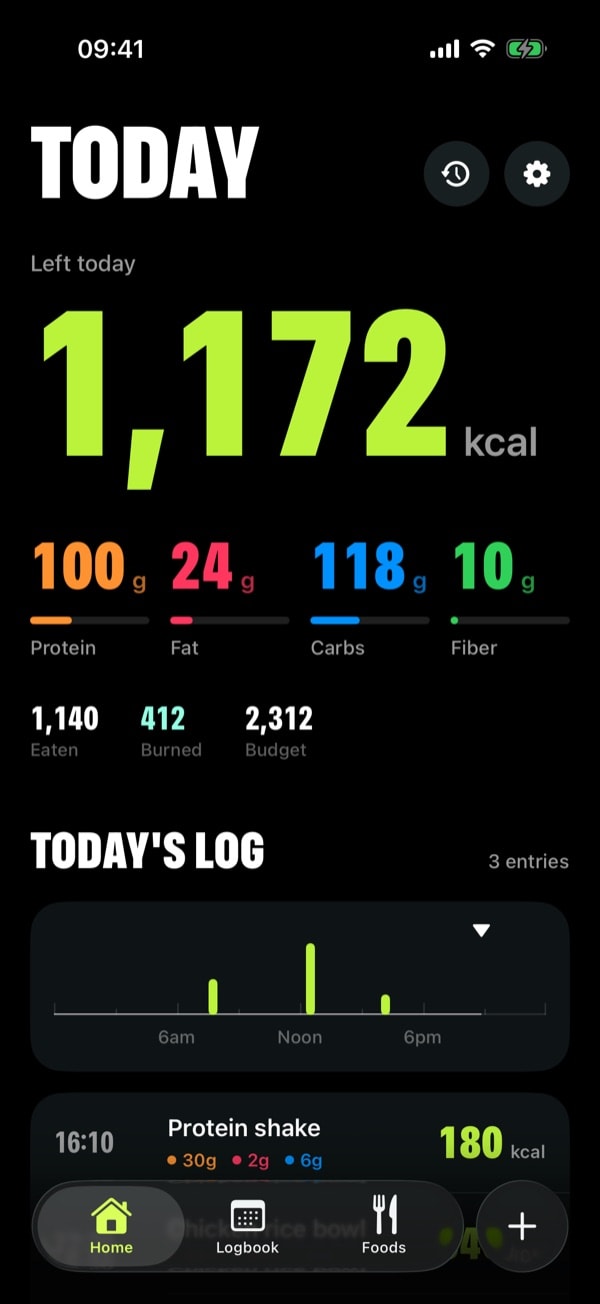
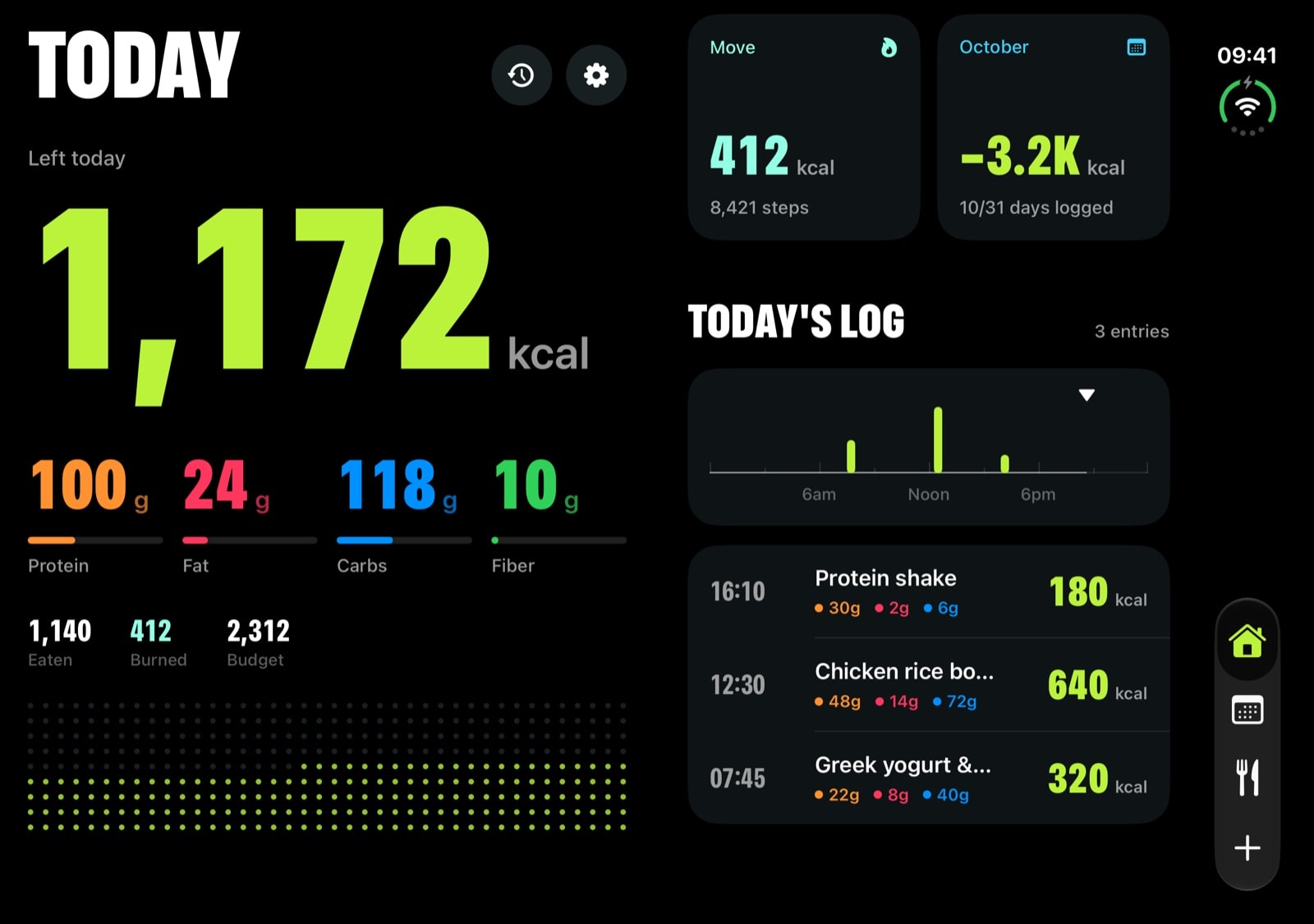
Home, Logbook and Foods, plus a + button in the tab bar. That’s the whole app. No social feed, no upsells, nothing between you and your number.
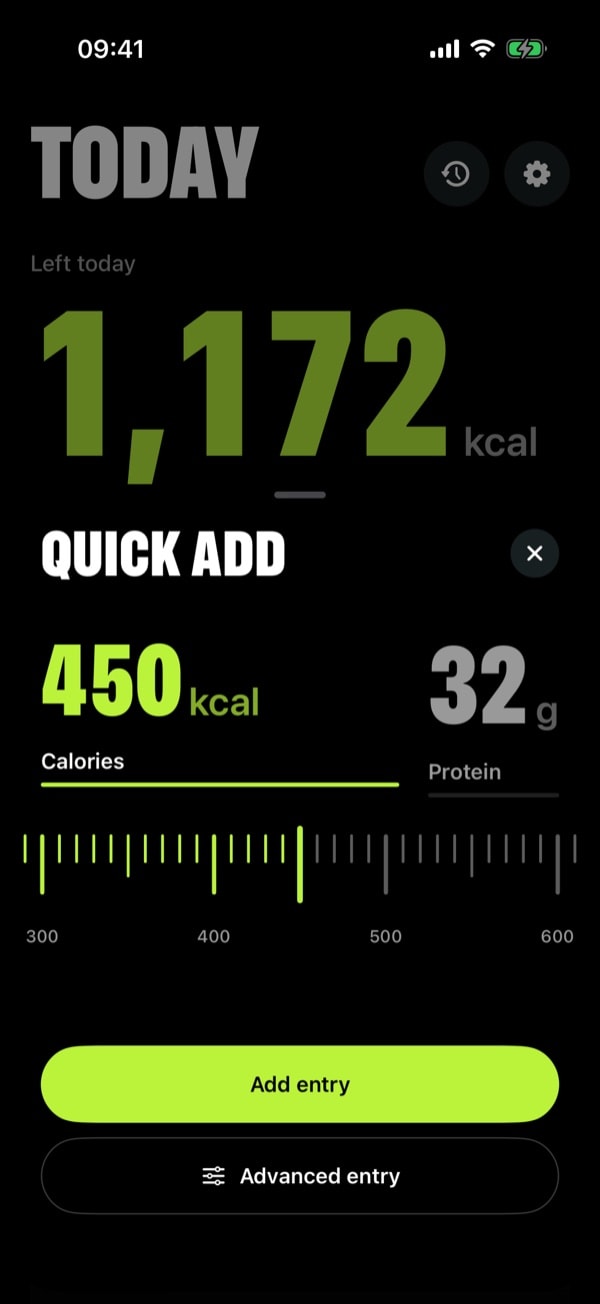
Quick Add
Flick to log.
Tap + in the tab bar and flick a ruler to your calories. Switch to protein, flick again, done. It snaps to every tick and taps under your finger.
Calories in steps of 10, up to 2,000
Protein to the gram
Advanced entry for full macros, plates and dates
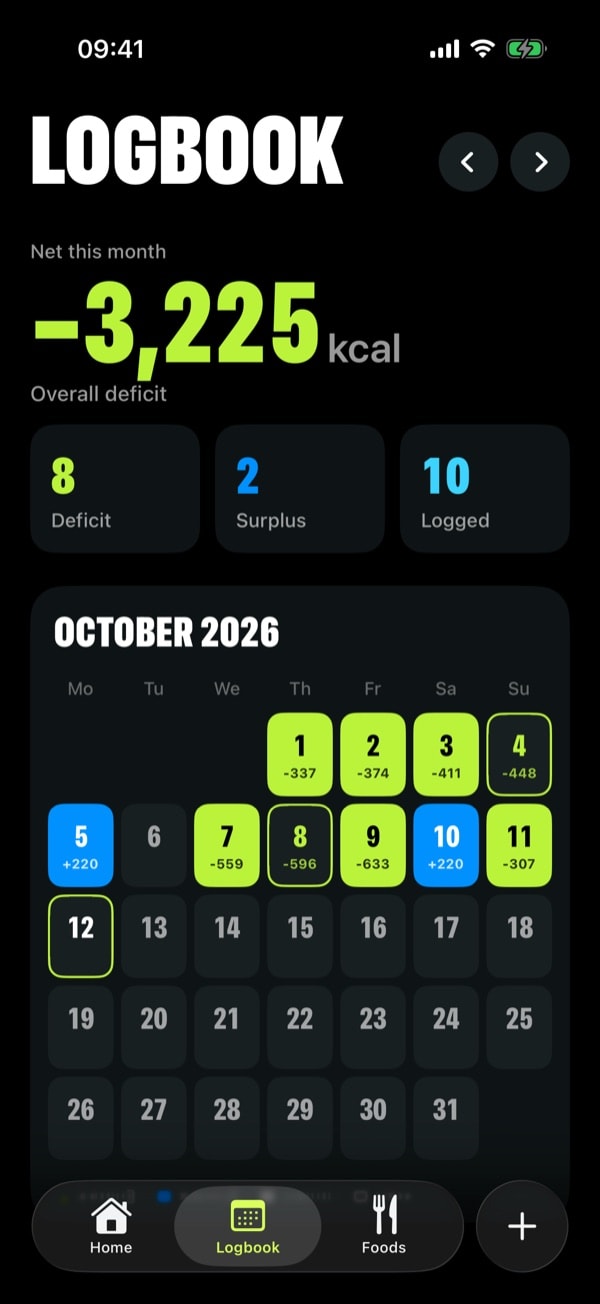
Logbook
See the whole month.
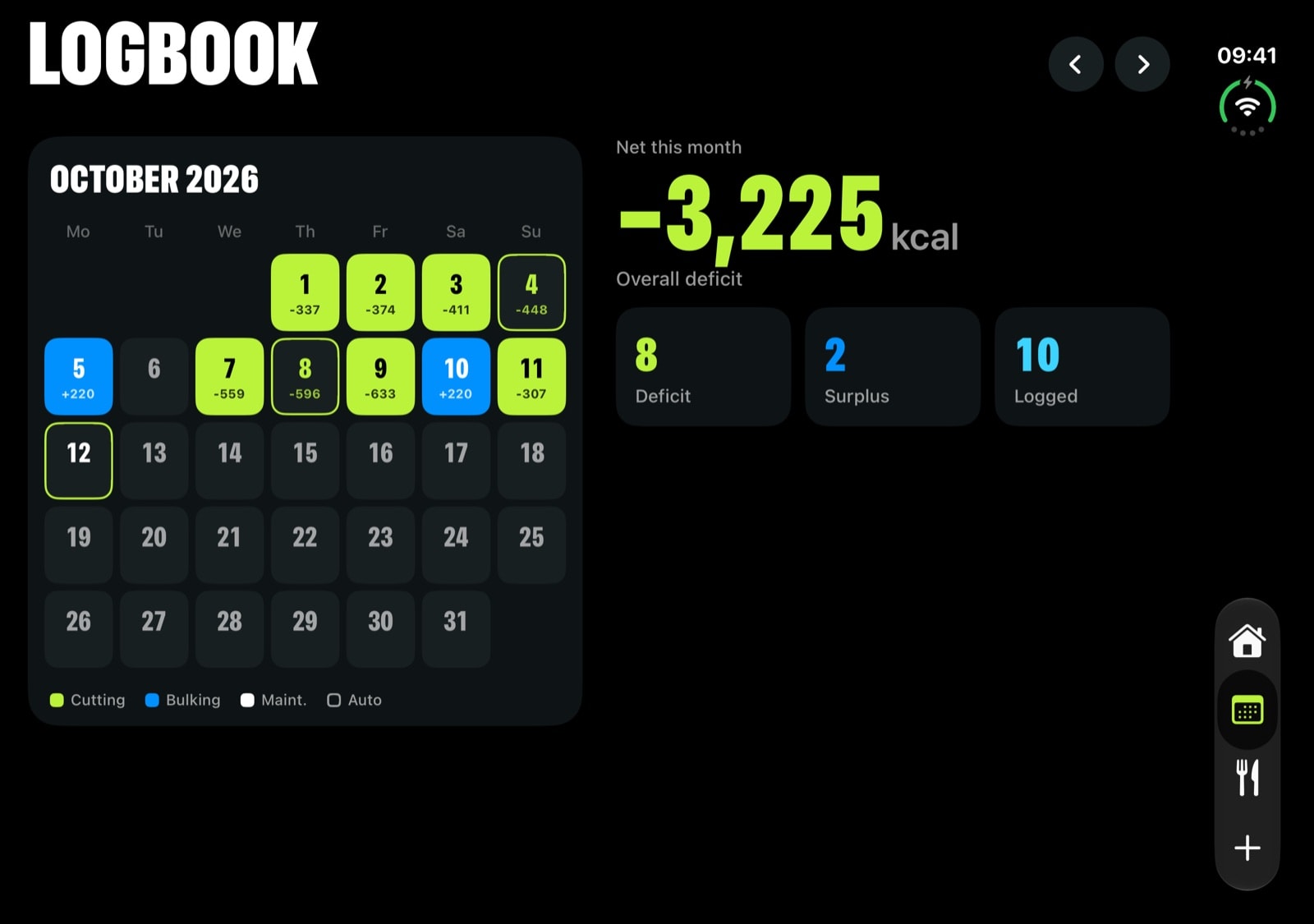
Every day lands on a calendar: lime for a deficit, blue for a surplus, with your net for the month up top.
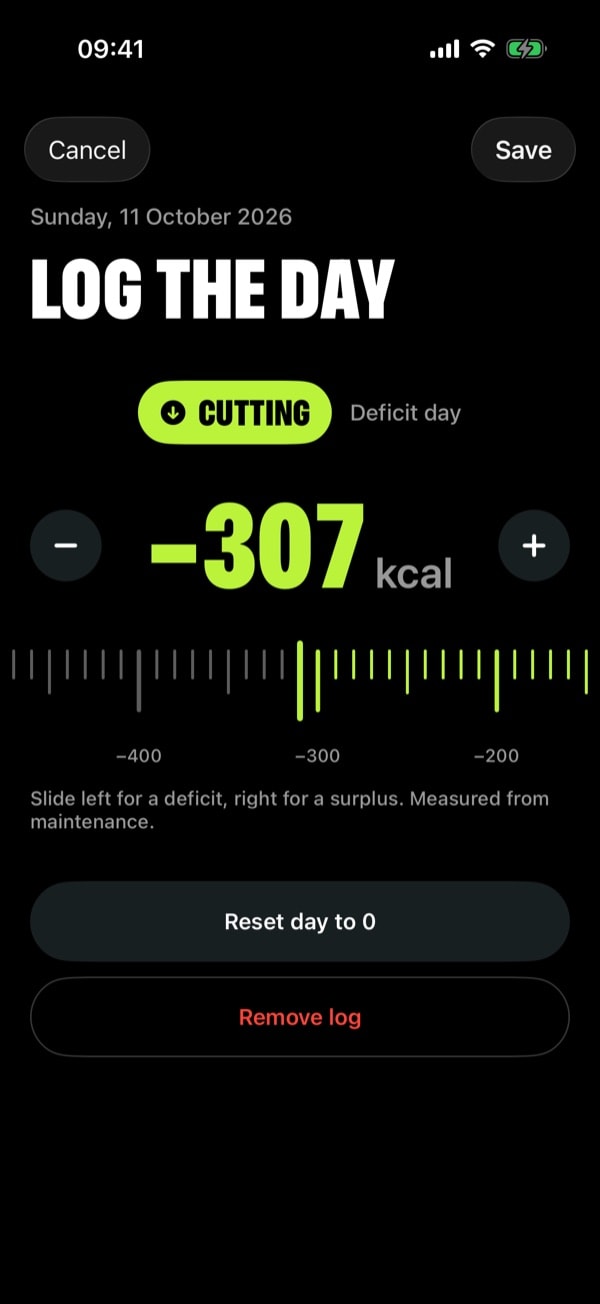
Log a day
Slide it into place.
Slide one number. Below zero is a deficit, above is a surplus, and cutting, bulking or maintenance is picked for you.
Foods
Meals on repeat.
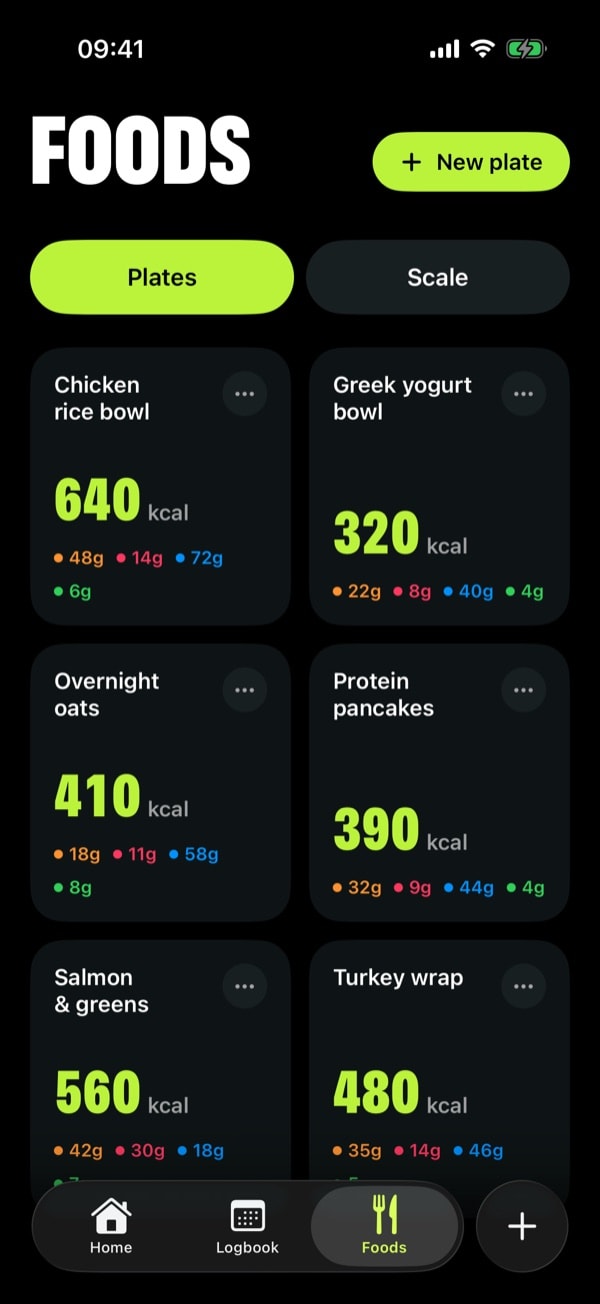
Plates and Scale live together in Foods. Save the meals you eat often, or foods by calories per gram, and log them in a tap.
History
Your week, sorted.
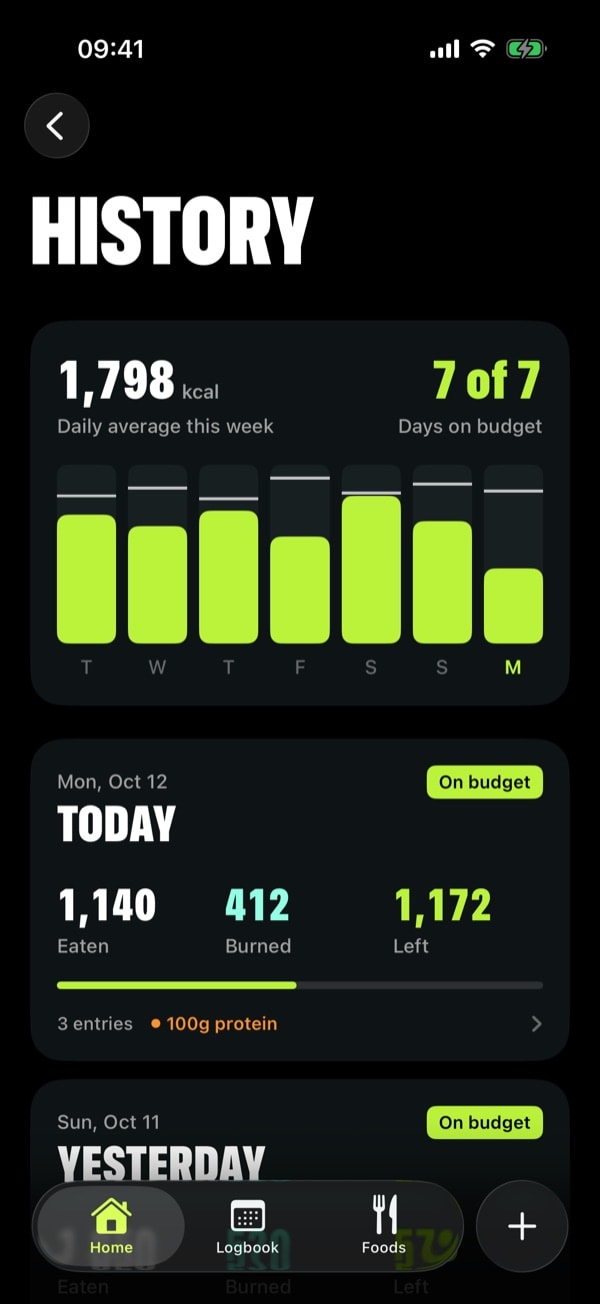
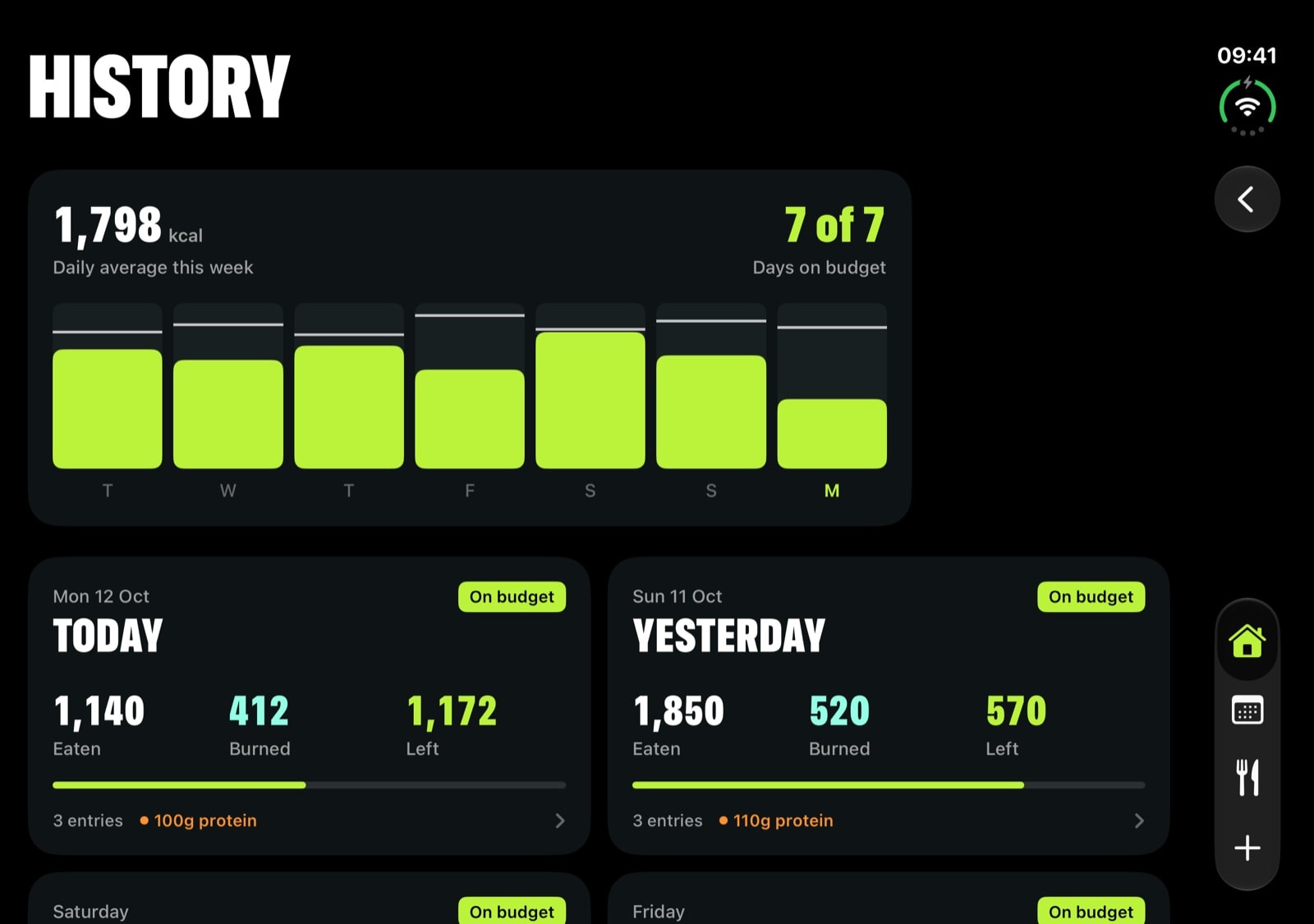
Seven days of budget at a glance, then every day you’ve tracked with what you ate, burned and had left.
Setup
Find your number.
Your TDEE is how many calories you burn on a typical day. CalorieFlow works it out, then helps you pick a pace you can actually stick to.
1
About you
Units, sex and age.
2
Your body
Height and weight, set on a ruler.
3
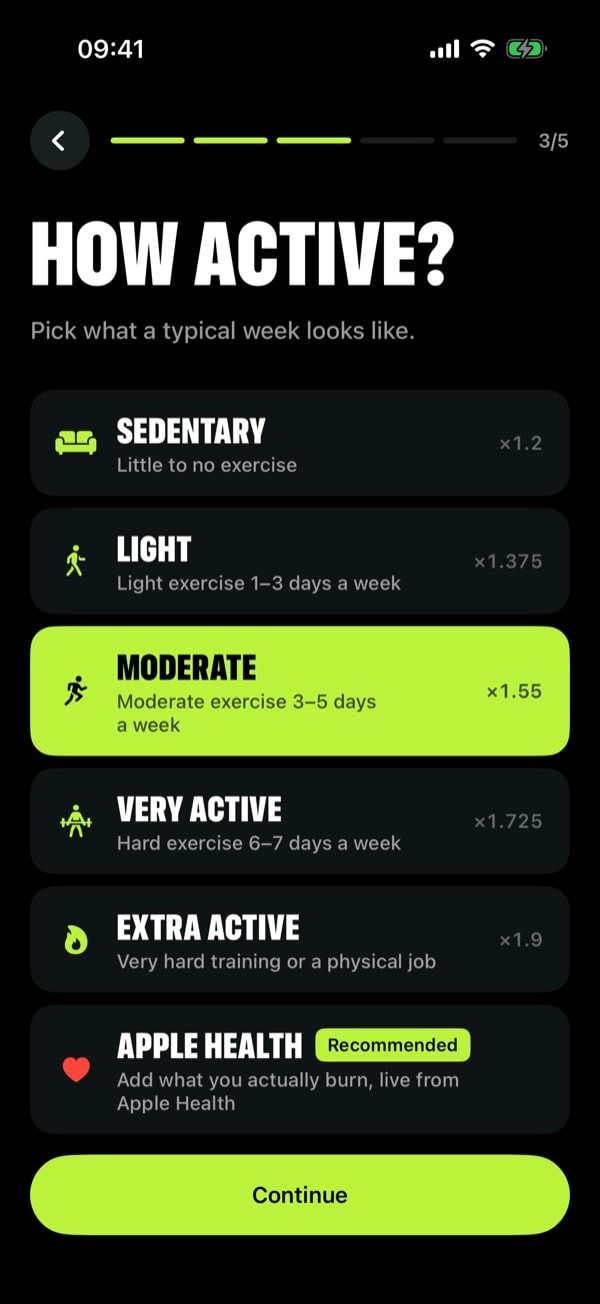
How active
From sedentary to extra active, or let Apple Health add what you actually burn.
4
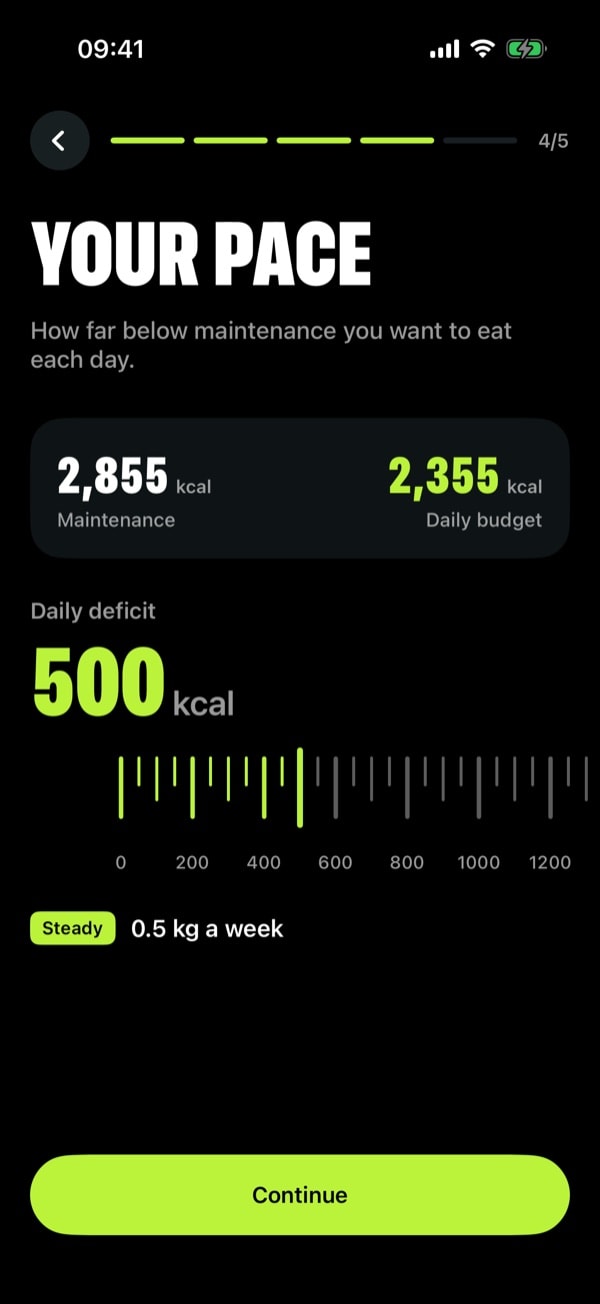
Your pace
Pick a daily deficit and see your weekly loss and budget before you commit.
Macros
Protein, fat, carbs and fiber in their own colors, right under your number.
Apple Health
Calories you burn are added to your budget automatically, with steps on Home.
Private by design
Everything stays on your iPhone. No cloud, no analytics, no tracking.
Every update included
Buy once. Version 1.50 and every update after it are yours.
New in 1.50
Built for iPhone Duo.
Unfold it and CalorieFlow splits along the hinge: what’s left today on one side, your whole day on the other.
The month, side by side.
Logbook puts the calendar on one half and your month’s numbers on the other.
Your week, unfolded.
History lays out your week chart and every tracked day two cards across.
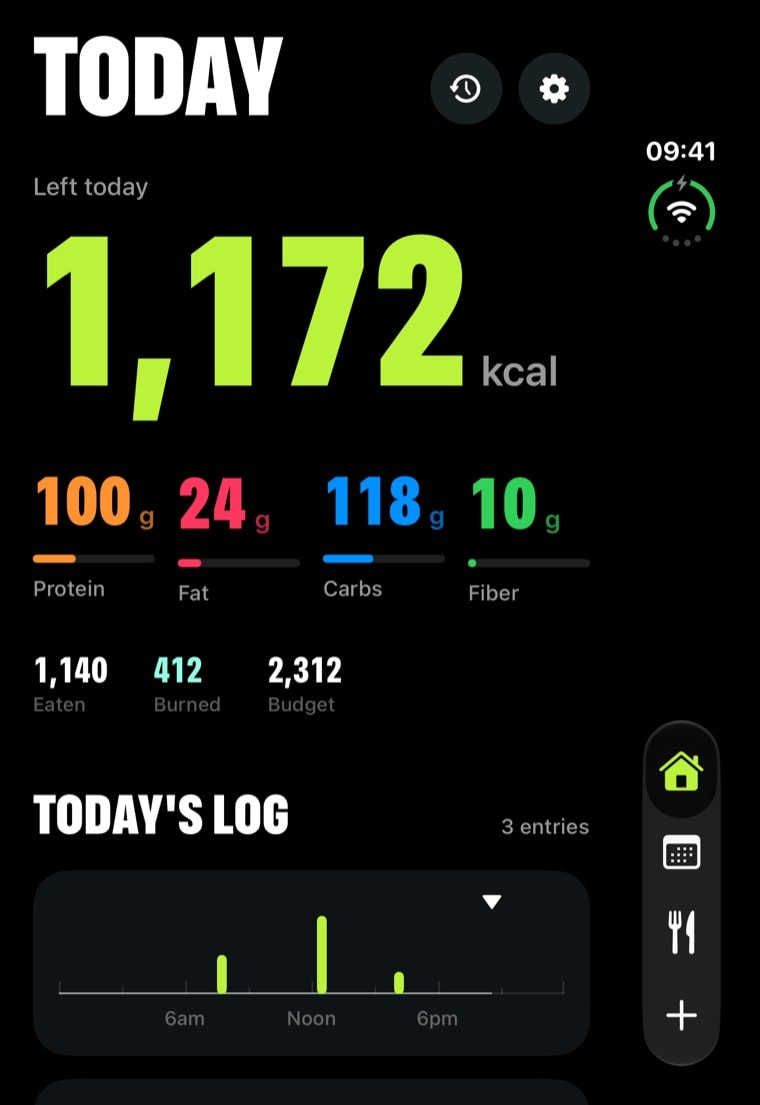
Folded, it still fits.
Close it and everything reflows for the outer screen, Add button and all.
Widgets
Your number, everywhere.
Home Screen and Lock Screen widgets in the same bold style. See what’s left without opening the app.
Left today1,140 eaten
1,172kcal
100g
Protein
24g
Fat
118g
Carbs
10g
Fiber
Today
Left today
1,172
kcal of 2,312
Calories Left
Protein
100g
of 130g
Protein
Monday 12 October
9:41
1.2K
1.2Kkcal left
100g protein
Lock Screen
The story
Weight loss doesn’t need to be complicated.
You don’t need fancy features, social feeds or monthly subscriptions. You need simple tools that work.
“I made CalorieFlow after I lost 110 lbs, to help people declutter their weight loss journey. So many tracking apps are overloaded with features just to justify a monthly price.”
— Cosmin, maker of CalorieFlow
Lost by the person who built it
110 lbs
Ads or subscriptions
0
Purchase, with every update included
1
Eat to the number.
Buy once and it’s yours for good. No ads. No subscription.